
Hosting your first event with Inyeet: a beta host's walkthrough
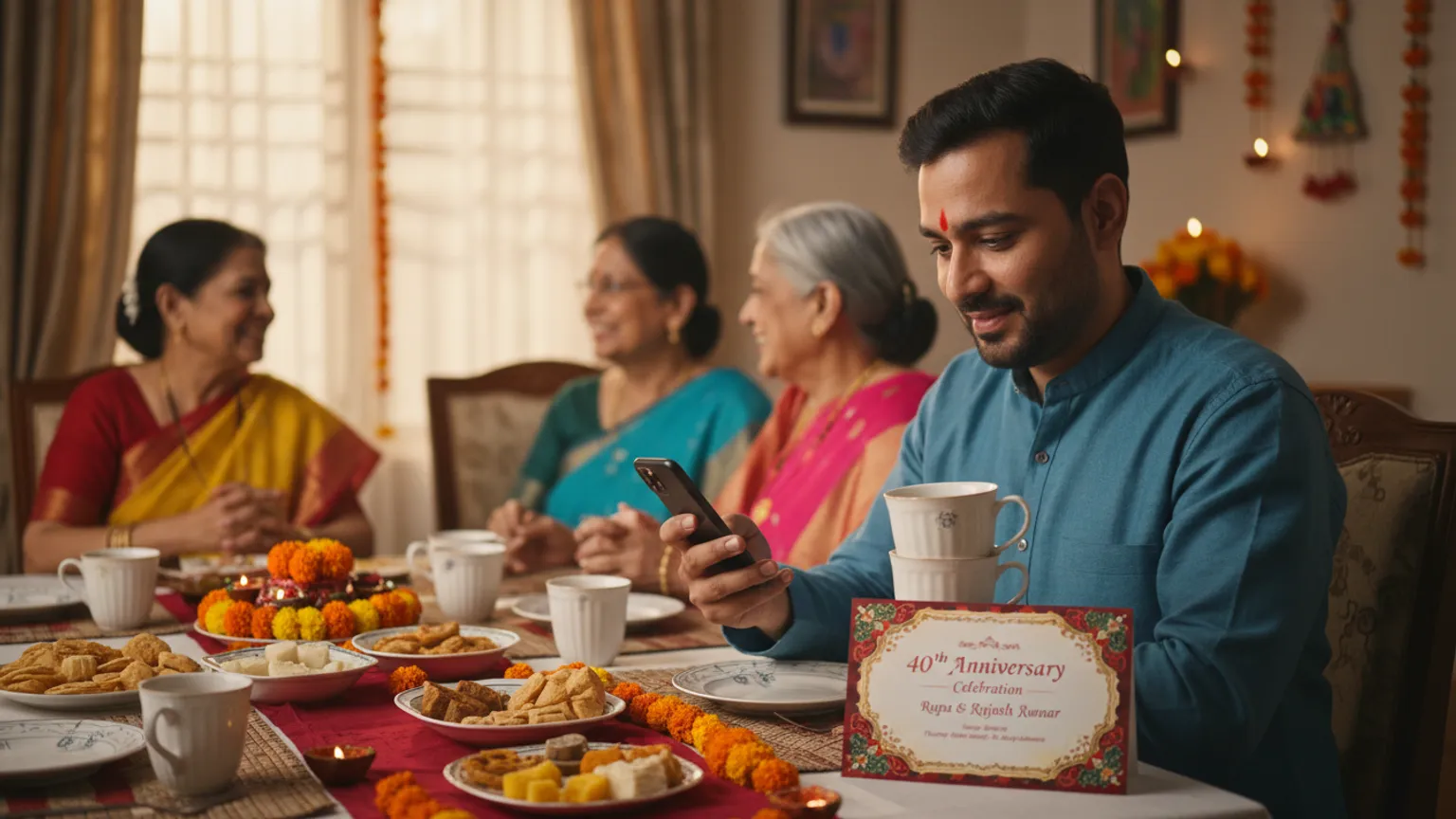
At 11:40 on a Tuesday night, my college friend Deepak sent me a voice note from Patna. His parents' 40th anniversary was three weeks away, ninety-odd people were on the list — family, colony neighbours, his father's old bank colleagues — and he had never hosted anything bigger than a house party. "Yaar," he said, "mere paas card ready hai, hall book hai, par mujhe samajh nahi aa raha ki count kaise nikaalu. Tu toh yeh cheez banata hai, ek baar samjha de." He wasn't asking for a demo. He was asking for a hand on the wheel.
So I did what I'd do for anyone in that spot: I sat with him on a call and we set the whole thing up together, live, in about twenty minutes. This post is that walkthrough — not a feature tour, but an honest account of what a first-timer's week looks like running an event through Inyeet, the app we build. Most of it is transferable even if you never touch an app.
The first twenty minutes: card in, guests in
Deepak already had the thing that matters most — a finished invitation card. His cousin had made it in Canva, gold text on maroon, parents' names, the venue, the date. That's the starting line. If you don't have a card yet, no guest-tracking tool helps you; get the card sorted first.
We uploaded that card image. Then came the only genuinely tedious step of the whole week: adding guests. Deepak had names scattered across three places — a WhatsApp group his sister made, his father's diary, and his own contacts. We pulled them into one list, one guest per row, with the phone number. Ninety-one names took him about fifteen minutes.
Here's the honest bit: this step is boring, and there's no magic around it. Whether you use a notebook, a spreadsheet, or the app, someone has to write down who's invited. The difference is that once the list is in, you never re-type it — every reminder, every count, every follow-up runs off that one list instead of your memory.
The send: personal links, not a broadcast
This is the part that first-time hosts get wrong, and it's the part I care about most. Deepak's instinct was to drop the card in the family group and forward it to everyone. I stopped him.
A card in a group reads as mass communication. Nobody feels individually asked, so nobody replies — I've written about exactly why that happens in why guests don't RSVP. Instead, each guest got their own private link, and Deepak sent it from his own WhatsApp, one chat at a time, like he was actually messaging that person. Not a broadcast list, not a business API — his number, his name on the screen.
The message he sent looked like this:
Namaste Sharma ji, Papa-Mummy ki 40th anniversary pe aapko spariwaar sahit sneh-nimantran. Neeche aapka personal link hai — ek tap mein bata dijiye aap aa rahe hain ya nahi, aur kitne log. Aapka aana hamare liye ashirwaad hoga. 🙏
[link]
For his friends, same idea, lighter tone:
Bhai, Papa-Mummy ki 40th anni hai 6th ko. Tu family sahit invited hai. Link pe ek tap — yes/no/maybe + kitne log. Zyada socho mat, bas confirm kar de. 😄 [link]
The link opens to the card he uploaded, with Yes / No / Maybe and a box for family headcount. Two taps. No install, no login, no account — that "no app to download" part is what let his 68-year-old tauji reply without calling anyone.
The quiet that scares every first-time host
Deepak sent about forty links that first night and went to sleep. He woke up and called me, half-panicked: "Kuch reply nahi aaya, app toot toh nahi gaya?"
It hadn't. This is the most common first-timer feeling, and I've learned to warn people about it in advance. When you send personal links, responses trickle in on the guest's schedule — someone replies at 7 a.m. before office, someone at 11:30 p.m. when they finally sit down. By that evening, his dashboard showed 33 opened, 21 said yes, 5 maybe, 2 no. He hadn't made a single phone call. It felt "too quiet" precisely because the calling — the loud part — was gone.
The dashboard is the whole point of the exercise. Instead of scrolling three chats, he had one screen: name, status, family count. He could glance at it with his morning chai and know where things stood.
The T-minus-3-days reminder pass
By the Wednesday before the Sunday event, roughly a third of the list still hadn't responded. This is normal and expected — the last chunk of confirmations always arrives in the final week, which I've come to accept rather than fight. Deepak filtered the dashboard to "pending" and sent one warm nudge to that group only — not to the people who'd already answered, which is a small courtesy that matters.
His reminder, anchored to a real reason:
Namaste ji, chhota sa reminder 🙂 Sunday ko function hai aur caterer ko final count Thursday shaam tak dena hai. Aap aa rahe hain ya nahi — dono bilkul theek hai, bas ek clarity mil jaaye taaki khaana theek se plan ho. Link yahi hai: [link]
Notice what that message does: it gives a deadline with a "because" (the caterer), and it explicitly permits a no. Guests reply more honestly when saying no is made easy. For the ten most important guests — close family, his father's best friend — he didn't send a link at all. He called. Technology handles the counting; you handle the warmth. The warmth is what converts a maybe.
The day the caterer calls
Thursday evening, the caterer called for the number every Indian host dreads giving. Deepak opened the dashboard: 71 confirmed heads across yes-plus-family-count, 6 firm maybes. He gave the caterer 74 and slept fine. On the day, 76 showed up — well within the buffer, no ghost thalis paid for, no scramble.
That's the entire promise. Not fewer guests, not less love — just one honest number on a Thursday instead of a spiral-bound diary full of question marks.
The copy-paste checklist I now send every first-time host
Steal this. It works with the app, a spreadsheet, or a notebook.
- Card finalised (image or PDF) before anything else
- One clean guest list — every name in one place, with phone numbers
- Venue, date, muhurat/timings, and parking note written once, reused everywhere
- Personal invite sent to each guest — never a naked group broadcast
- A real RSVP deadline tied to the caterer's cut-off, stated in the message
- Family headcount asked for explicitly ("kitne log", not just yes/no)
- One reminder pass to non-responders only, 3 days out
- Phone calls (not links) for the ten guests who matter most
- Final count locked 24–36 hours before the caterer needs it
- Elders who "called to confirm" marked in the count manually so nobody's missed
The week, laid out
| Day | What Deepak did | Time it took |
|---|---|---|
| Tue night | Uploaded card, built the 91-name list | ~20 min |
| Tue–Wed | Sent personal links from his own WhatsApp | ~40 min over two sittings |
| Wed–Sat | Glanced at the dashboard once a day | 2 min each |
| Following Wed | One reminder to "pending" only + 10 personal calls | ~30 min |
| Thu evening | Read the confirmed count, gave caterer the number | 2 min |
| Sunday | Hosted. No notebook, no last-minute calls | — |
Total hands-on time across the week was under two hours. The old way — Deepak's father did this in 2019 with a diary — was closer to two full days of calling.
When you honestly don't need any of this
I'm the founder, and I'll still say it plainly: if your event is twenty people you talk to every day, skip all of it. A WhatsApp group and three calls will do, and I'd rather you not add a tool to a problem you don't have. The setup earns its keep when the list crosses roughly forty across mixed circles — family, colleagues, neighbours — each expecting a different level of personal attention. Below that, the app is overhead.
The other honest limit: this is a beta, and the host-side app is Android-only right now. If you're on iPhone, the walkthrough above is something you can still run manually — the sequence is what matters, not the software. My longer piece on tracking RSVPs without a dozen phone calls walks through that manual version step by step.
FAQ
Do I need to design a card in the app?
No — and you can't. The app doesn't make cards, and it never will. You bring a finished card from a designer, Canva, or the print shop; the tool handles everything after that. If you're still choosing between a printed card and a digital one, that decision is its own topic.
What if a guest forwards their link to someone else?
When a link is forwarded, the new person is asked to confirm who they are before responding, so one link can't quietly inflate your count into a phantom family of six. Your dashboard stays honest — which is the only reason a first-time host learns to trust it.
How much does a first event cost?
It costs nothing to try, which is the honest reason I suggested it to him at all — there is no card to enter and no guest limit waiting to stop you halfway. You can see the whole send-and-track flow on how it works before committing to anything.
What Deepak said afterward
A week later he sent another voice note, this one at a sane hour. "Sabse achhi baat," he said, "yeh thi ki main function ke din sirf host tha. Count ki tension pehle hi khatam ho gayi thi." That's the line I keep coming back to. The goal was never to make him a power user of an app. It was to give him back the Sunday afternoon — so he could actually be at his parents' anniversary instead of counting heads at it.
If you're about to host your first big function, you don't need a course or a consultant. You need a card, a clean list, personal invites, and one real deadline. Do that much and you're most of the way there. And if you'd like the Android app that does the counting part, it's free to use.
— Hrishikesh
Related reading

Ganpati invitation message for WhatsApp: 50+ templates in Marathi, Hindi and English
Ready Ganpati invitation messages for every moment — sthapana, darshan, aarti, mahaprasad, Gauri and visarjan — in Marathi, Hindi and English, each written to get a countable reply instead of a thumbs-up.

Gauri aavahan: the day your Ganpati guest list doubles
Gauri brings married daughters and half the family back home mid-Ganpati — the day a host's guest list quietly doubles. A plan for who comes and feeding them.
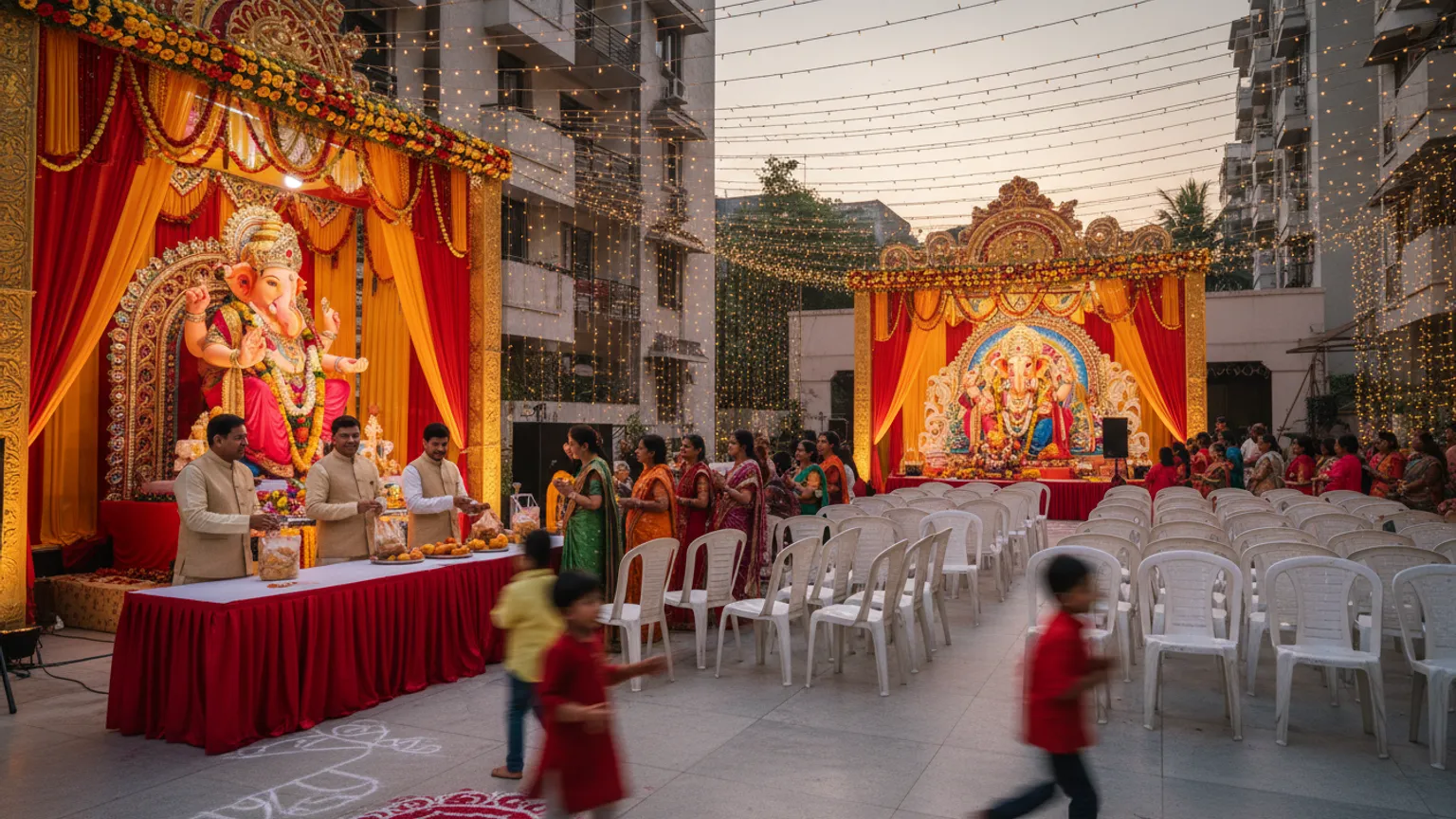
Society Ganpati versus home Ganpati: how the guest list changes
Society Ganpati and home Ganpati are two different hosting jobs. How the guest list, headcount, prasad and coordination change between them, with templates.